


Description
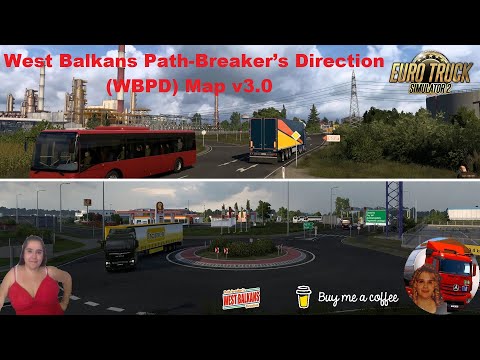
It’s a new little add-on map mod that contains an extensive rework of the West Balkans DLC map for Euro Truck Simulator 2 (ETS2).
This add-on offers a fresh take on the existing map, introducing new pathways, enhanced road networks, and undiscovered scenic landscapes that push the boundaries of exploration.
New Update On Version 5.0:
- Compatibility update for ETS2 1.57 game version
- Added a new explored city: Gradiška.
- Major rework on the highway and the border crossing (from the DLC version) between Okučani and Banja Luka to reflect real-life changes.
- Several bug fixes from the previous map version.
Requirements:
- ETS2 version 1.57 or newer
- Only one required map DLC: West Balkans (no other DLCs needed)
(For example, if you have “West Balkans DLC” but not “Iberia DLC”, you can still play this mod. Of course, it also works if you own all DLCs.)
Map Installation:
- Install it the same way as other map mods. Place the file “wbpd_addon_map_main.scs” into your mod directory:
“C:Users/DocumentsEuro Truck Simulator 2mod”
- If using this map in a map combo setup, position it above other (add-on) maps in the Mod Manager.
⭐ Popular Mod! More than 8450 downloads in total!
💡 Others also downloaded: Cargo Package 03 10 2026 [1.40-1.61], More European Cities V1.0A [1.61], Sundanese Map V2 Save Profile [1.60].
Compatibility: ETS2 1.57, 1.56, 1.53
Authors: Another5_Mrd1
How to install this mod (Full installation guide)
- Download and extract the mod. File extension should be .scs (ModsHost download guide).
- Find the mods folder on your computer
- Windows – /Documents/Euro Truck Simulator 2/mod
- Copy the downloaded file to your Mods folder
- Launch the game and enjoy your mod!
Problems? Let us know in the comments! Your feedback helps modders improve the mod. Also, be sure to check the comments section - other players may have already shared solutions to common issues.
Download mod
WBPD_addon_map_v5_0.rar (40 MB) Safe to download: Check WBPD_addon_map_v4_7.rar (36 MB) Safe to download: Check WBPD_addon_map_v3.rar (16 MB) Safe to download: Check WBPD_addon_map_v2_5.rar (13 MB) Safe to download: Check WBPD_addon_map_v2.rar (12 MB) Safe to download: Check WBPD_addon_map_v1.5 (1.51).rar (12 MB) Safe to download: Check WBPD_addon_map_v1.rar (11 MB) Safe to download: CheckDiscover Mods Loved by Other Gamers!


Share Your Gameplay!
Submit a screenshot of this mod!
Submit a YouTube video.